Check it before you hand it over.
Find what is wrong before the client does, find any moment again, and finish in DaVinci Resolve.
Catch mistakes before the client does.
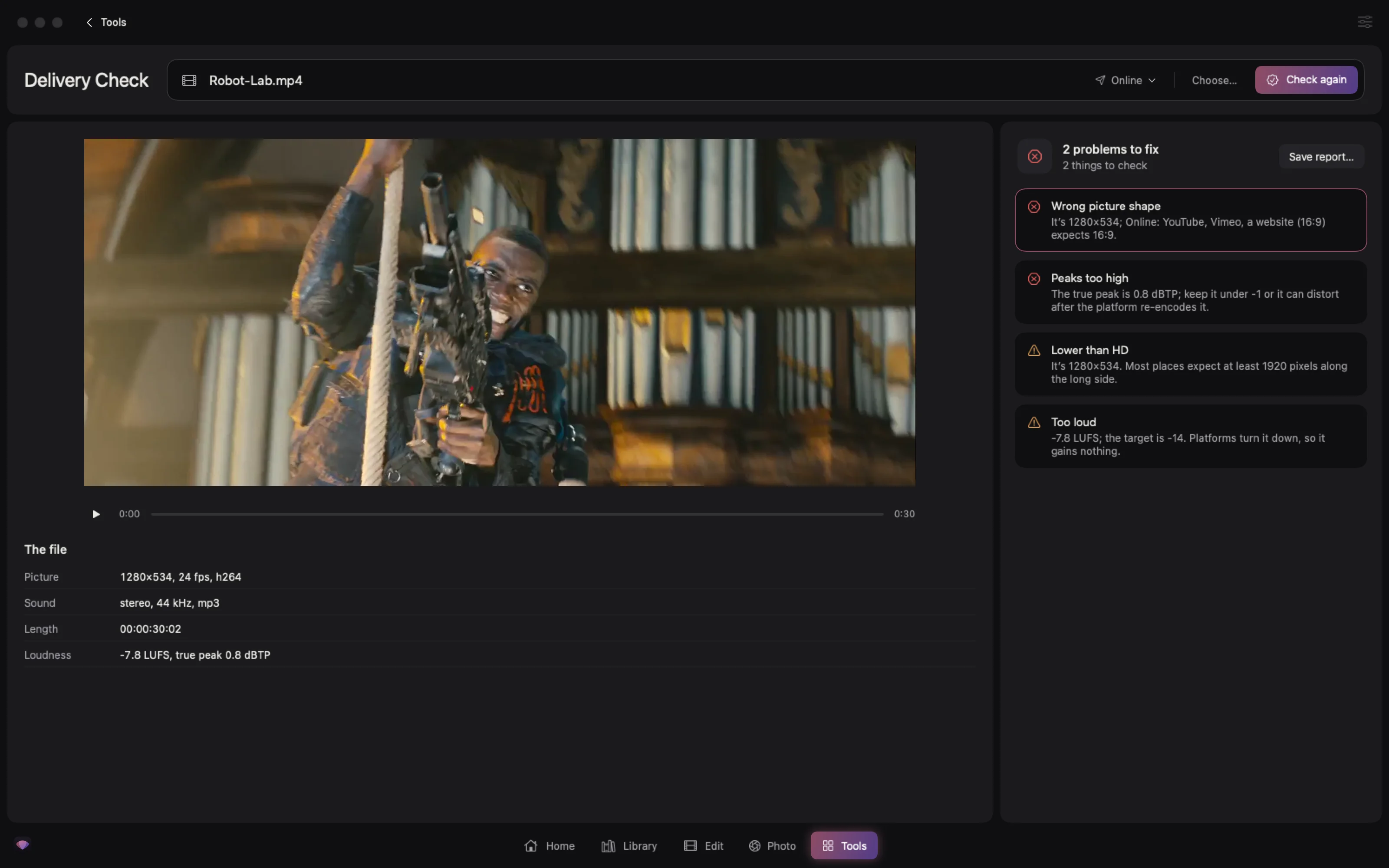
Pluck checks an export for flash frames, black, frozen picture, audio dropouts, loudness and typos before it goes out.
- Finds
- Flash frames, black, freezes
- Listens for
- Dropouts and loudness
- Reads
- Titles for typos
- Jumps straight to each problem
- Loudness for online, social or broadcast
- Warns about text too close to the edge
One video, every version the client asked for.
From one finished video, Pluck renders each shape with the people kept in frame, the right loudness and subtitles in several languages.
- 16:9
- 9:16
- 1:1
- 4:5
- Loudness
- Subtitles
- Frames
- 16:9, 9:16, 1:1, 4:5
- Levels
- For online or broadcast
- Names
- Files the client’s way
- Framed on the people in each shot
- Runs with local AI on your Mac
Find a moment by what was said.
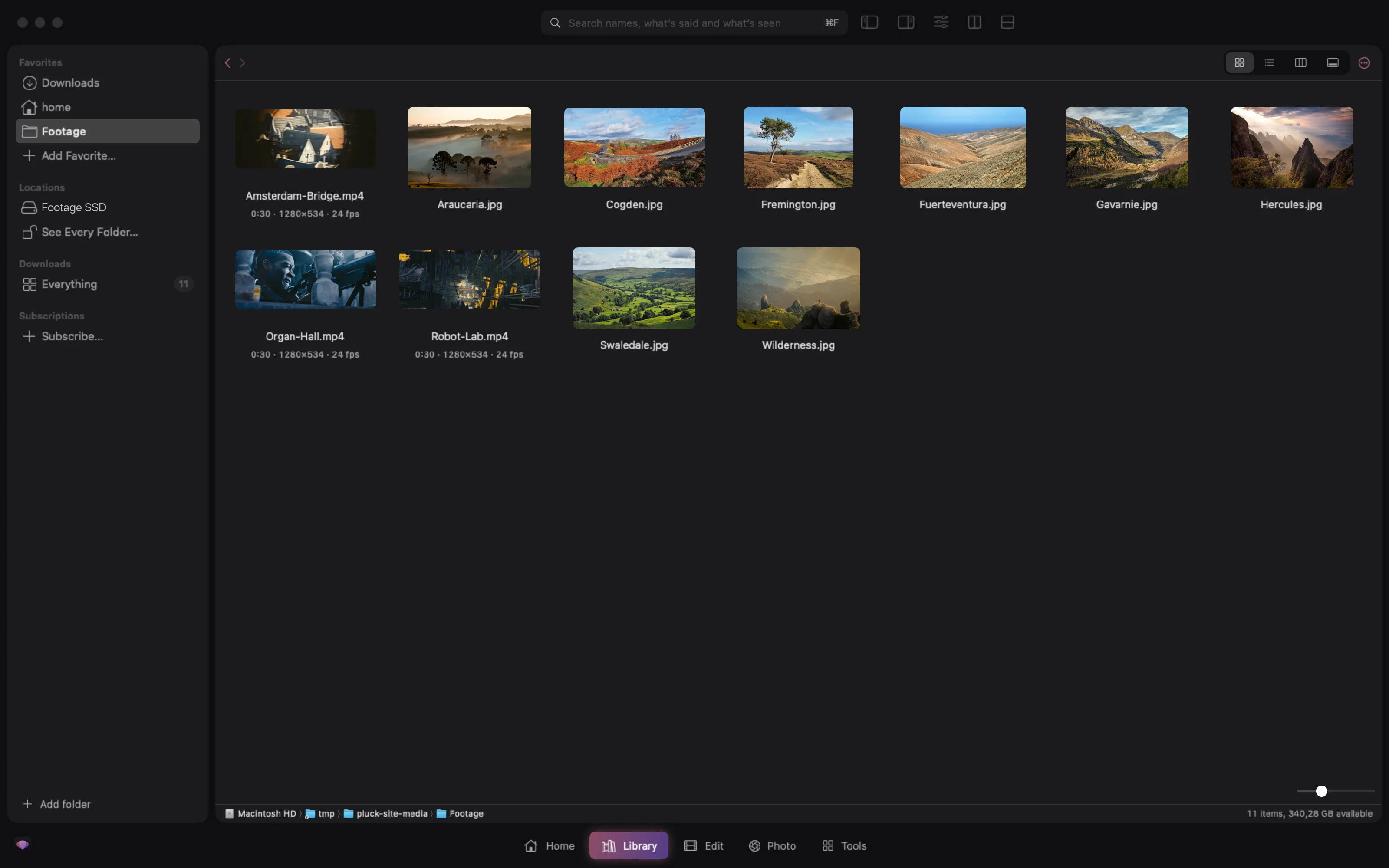
Search by speech or by what is in the picture, across your downloads and footage folders.
- Searches
- Speech and picture
- Across
- Downloads and footage
- Opens
- At the exact moment
- Type what you remember
- Find Shots writes a description, keywords and a marker per shot into Resolve
- Works offline
Rough cut in Pluck and finish in Resolve.
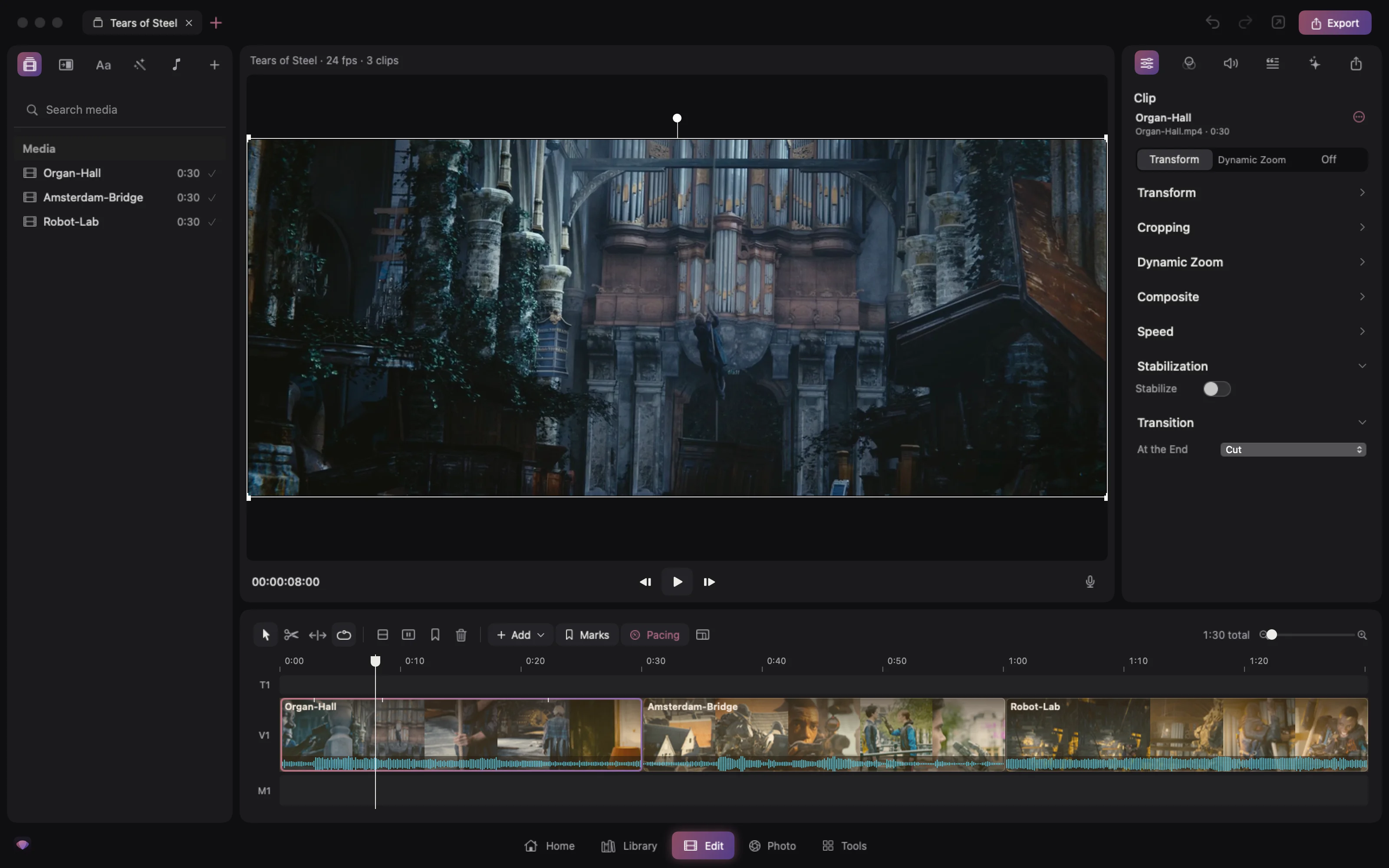
Send a project to DaVinci Resolve with its clips, cuts and subtitles, and bring changes back.
- Sends
- Clips, cuts, subtitles
- To
- DaVinci Resolve
- Brings back
- Markers, order and trims
- One click from the Edit page
- Clips go into the bin you pick, with the camera’s sound linked by timecode
- Clips already in the project are left out
Pluck Studio is free.
There is no account or subscription, and everything runs on your own Mac.